
Swipe to start
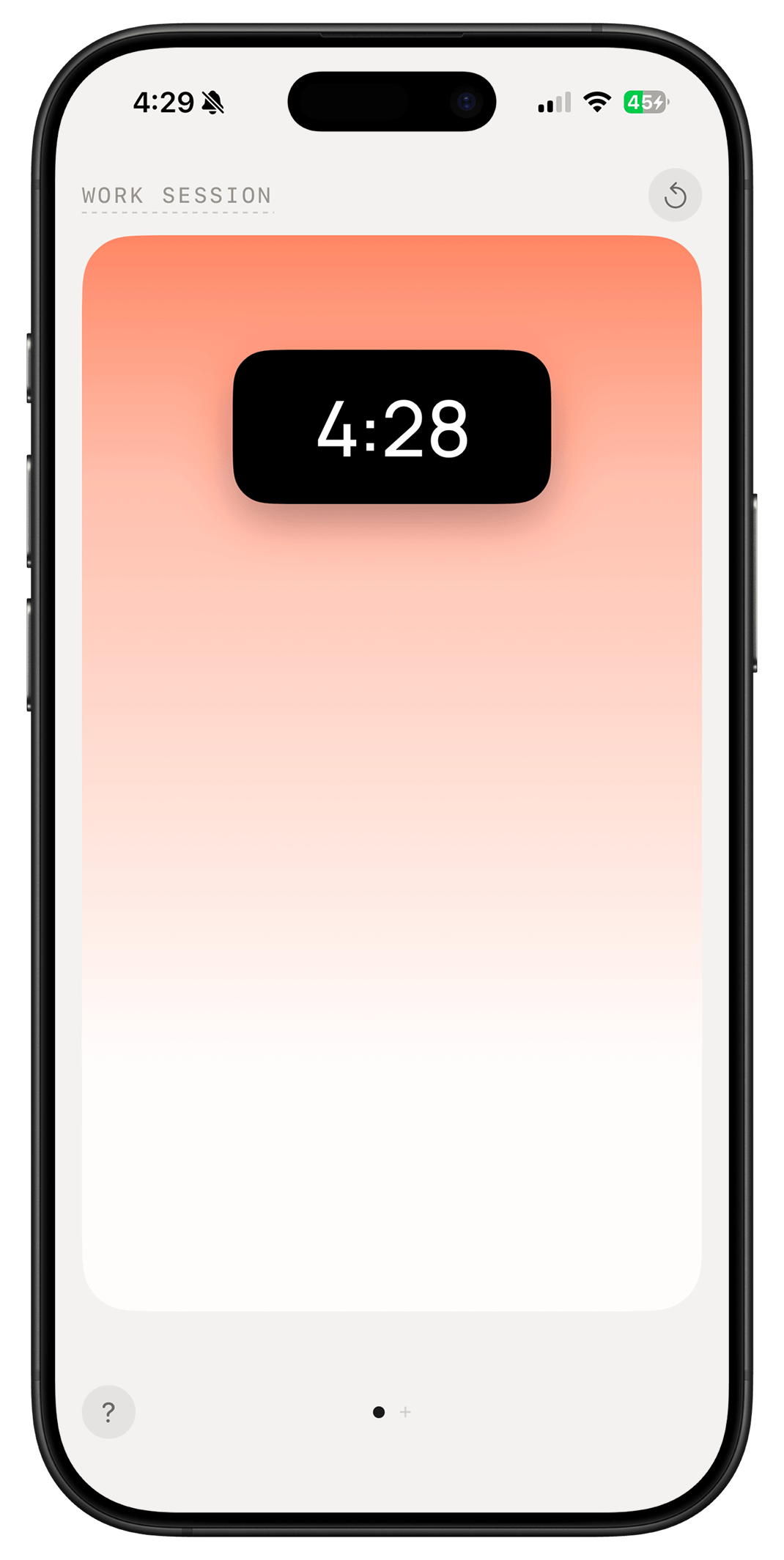
No modals, no setup. Slide the pill to the top and you're in a session.
 Metra
MetraStart in seconds, see what matters, and get back to the work.
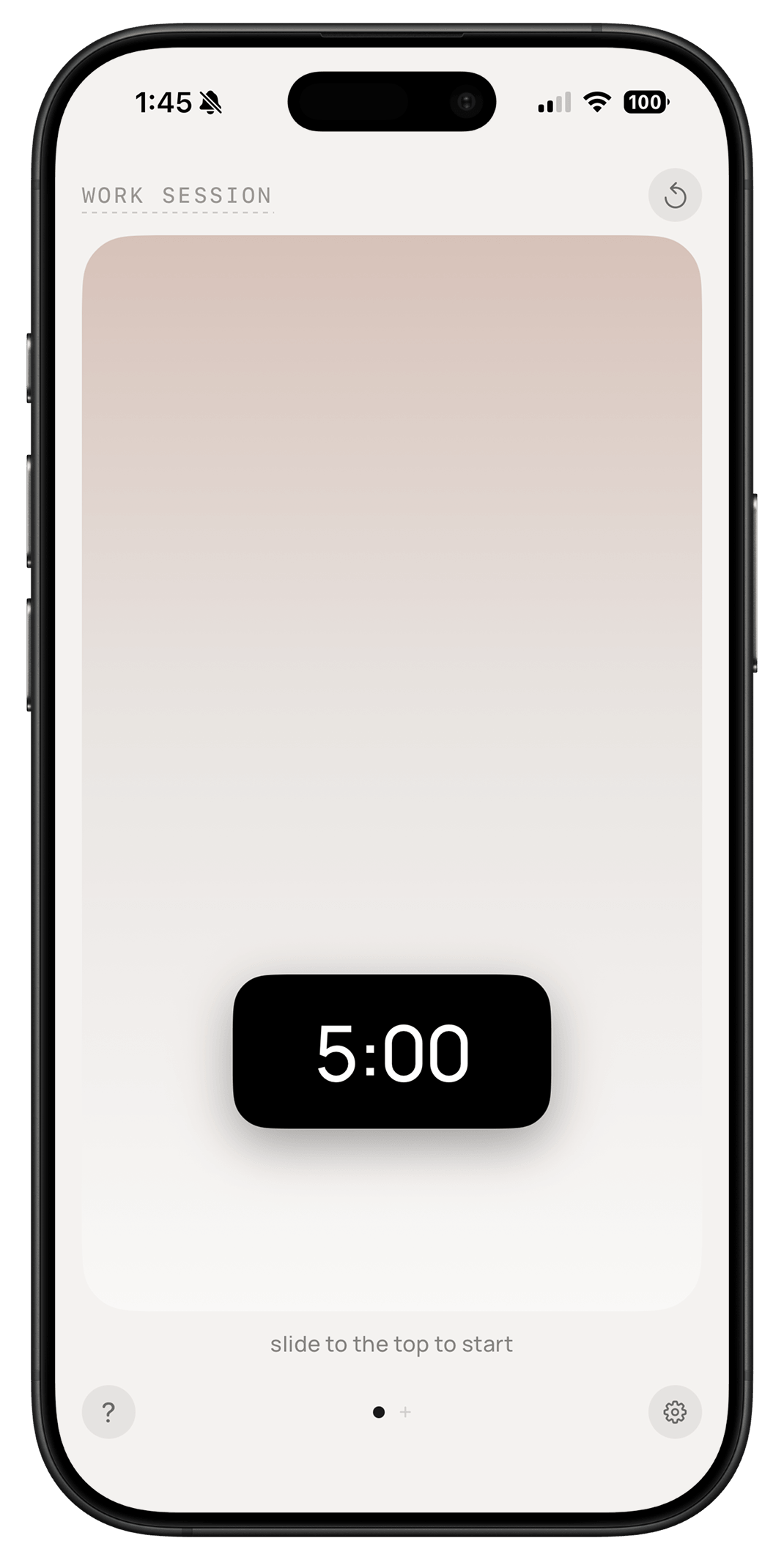
No modals, no setup. Slide the pill to the top and you're in a session.
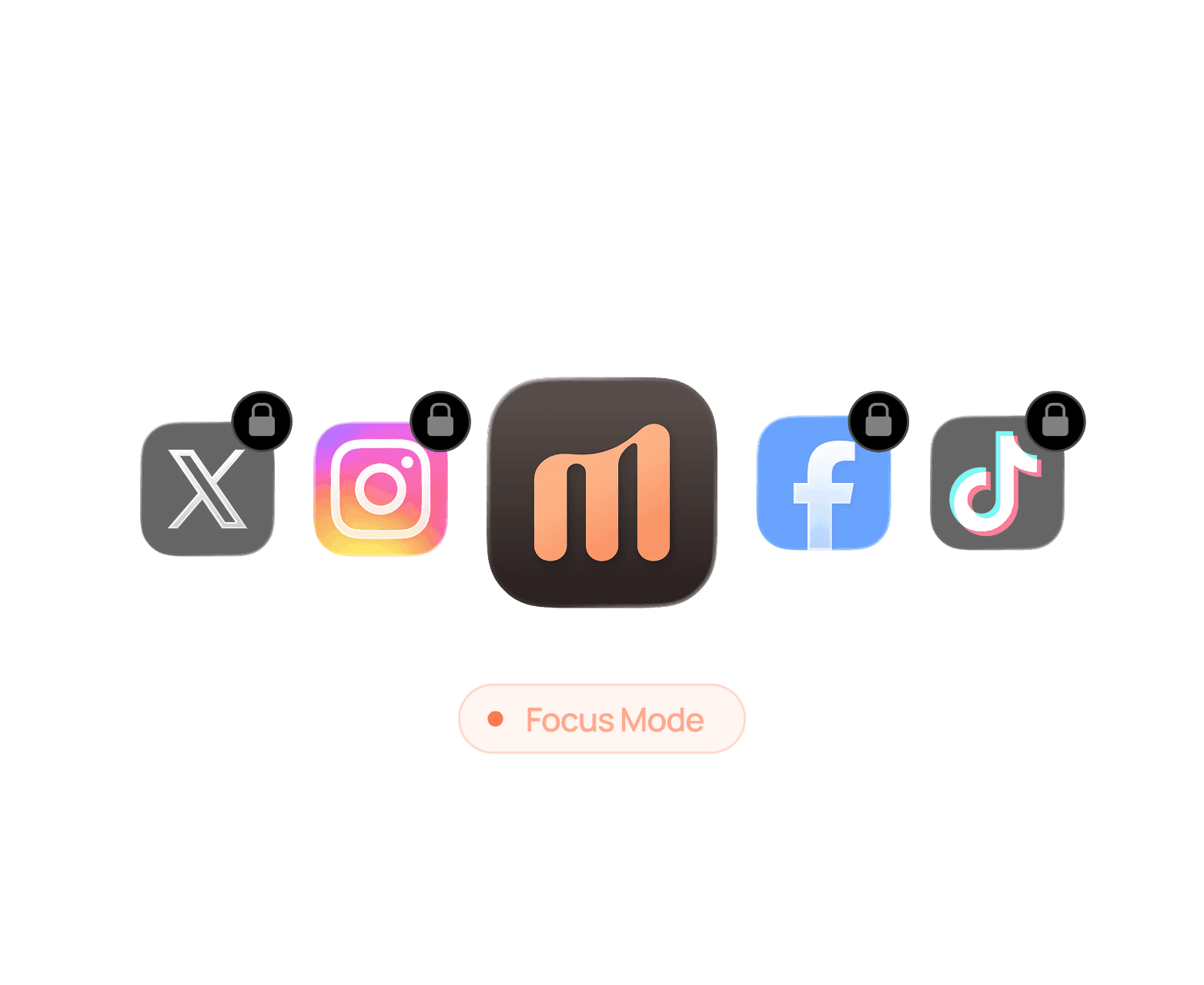
Blocks distracting apps automatically for as long as a timer is running.
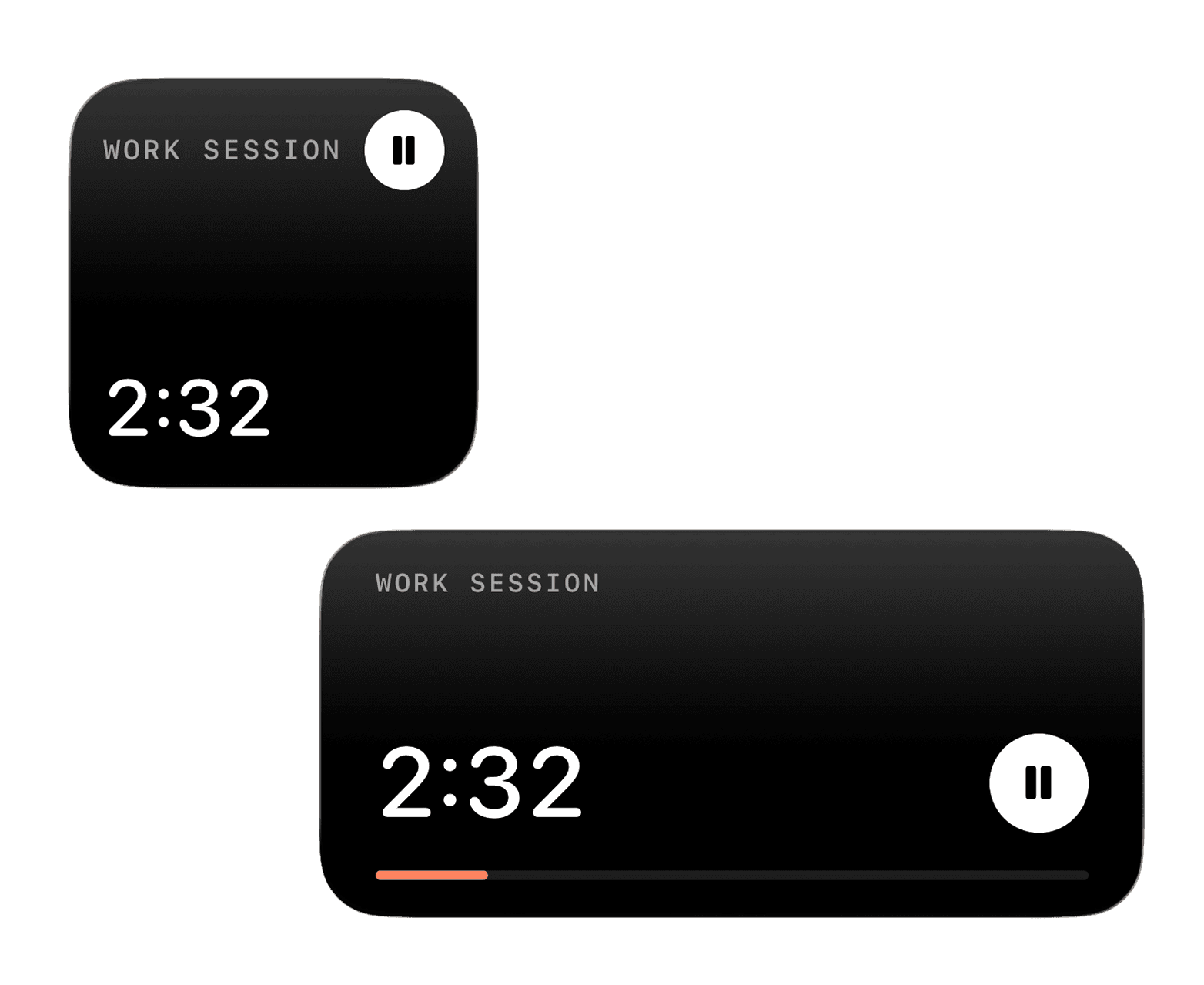
Small or Medium — pick what fits your home screen. Tap once and it's running.
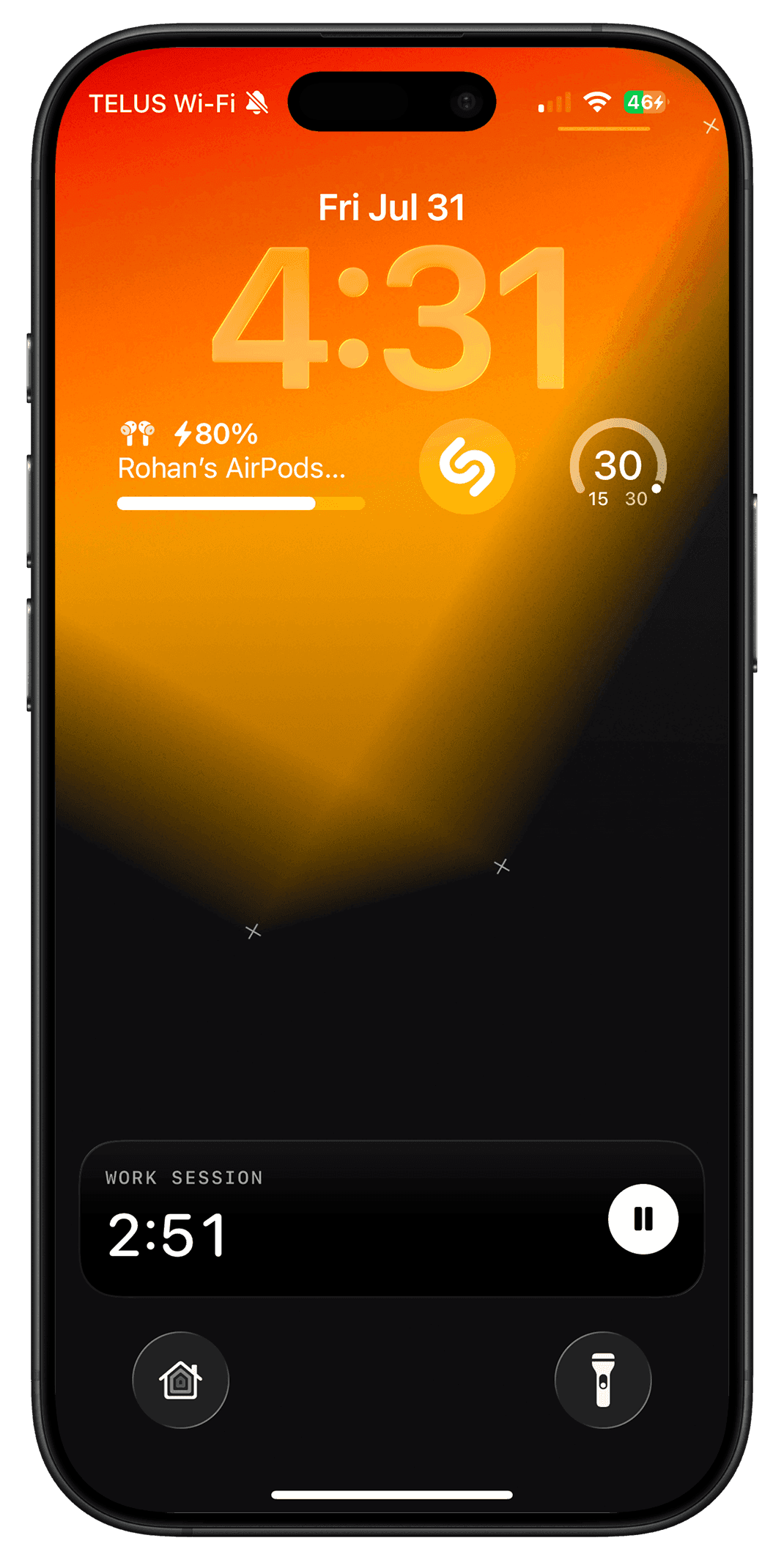
The countdown sits above your wallpaper — pause or reset without unlocking.
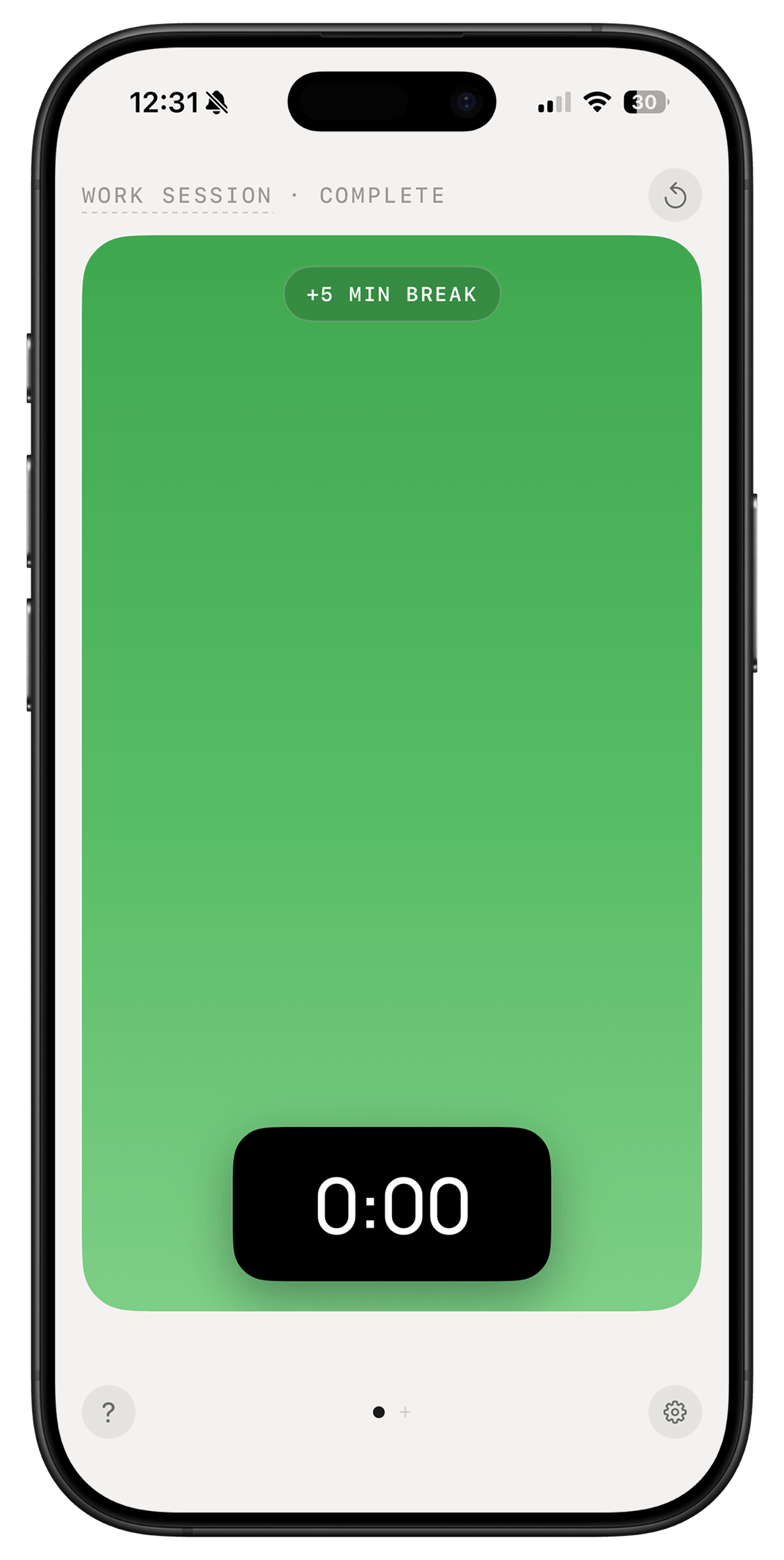
When a session ends, take a five-minute break — reset, then jump back in.
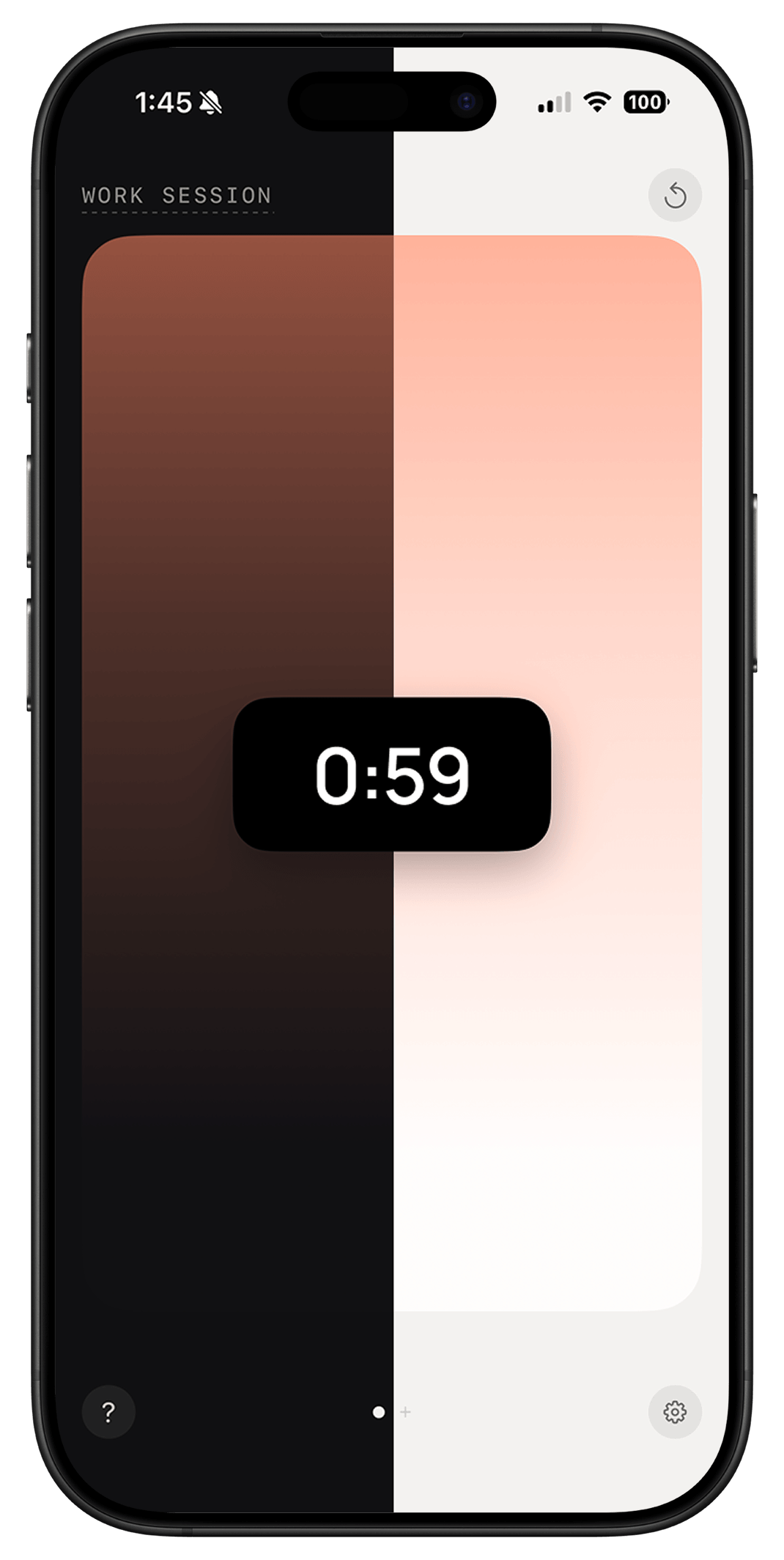
Two tuned moods that follow your system appearance, automatically.
Drop your email for a TestFlight invite — free to try, plus 30% off Metra when it officially launches. One email, no list.